

Android Fastboot Reset Tool V1-2 [better] ✪ (SECURE)
At least 50% battery to avoid accidental shutdowns during the process.
I can provide troubleshooting steps for driver errors or recommend alternative bypass methods if your device is too new for this version. Share public link
Perhaps the most significant use case for this tool is bypassing Google's FRP. Since the introduction of , Google implemented a security feature that requires a user to input the previously synced Google account credentials after a factory reset. If you have forgotten your Gmail password or purchased a second-hand device that remains locked to the previous owner's account, the Android Fastboot Reset Tool can bypass this Gmail verification screen without requiring root access. Android Fastboot Reset Tool V1-2
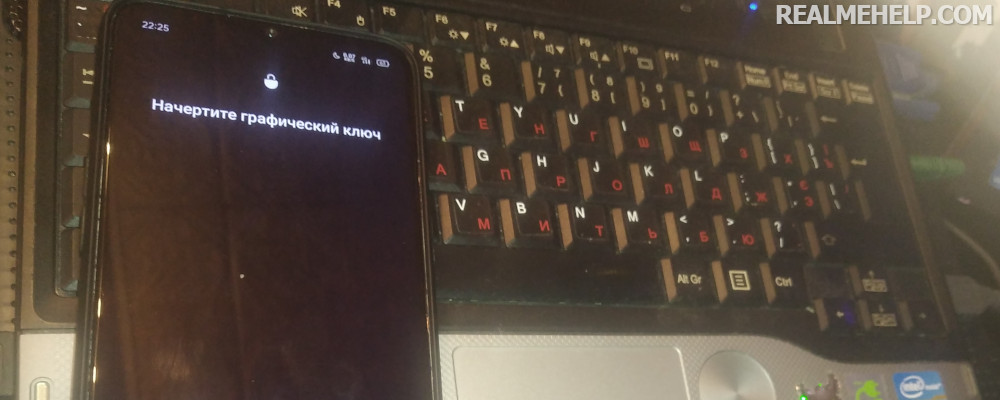
Removes screen locks (pattern, PIN, password) without a full factory reset on certain supported devices.
echo [DONE] Reset completed. fastboot reboot pause At least 50% battery to avoid accidental shutdowns
In this guide, we’ll explore what this tool does, its key features, and how to use it safely to revive your smartphone. What is Android Fastboot Reset Tool V1.2?
The Android Fastboot Reset Tool V1.2 is a lightweight Windows utility designed to help users bypass factory reset protection (FRP) and unlock patterns, PINs, or passwords on Android devices using Fastboot mode. Since the introduction of , Google implemented a
: Using the reset functions will wipe all data on the device. Ensure you have backups if possible.
Due to its simple, targeted command-set, it often completes tasks faster than heavier software.